 Rating Widget
True Codeforces rank colors
From Newbie to Legendary Grandmaster, including the LGM first-letter color.
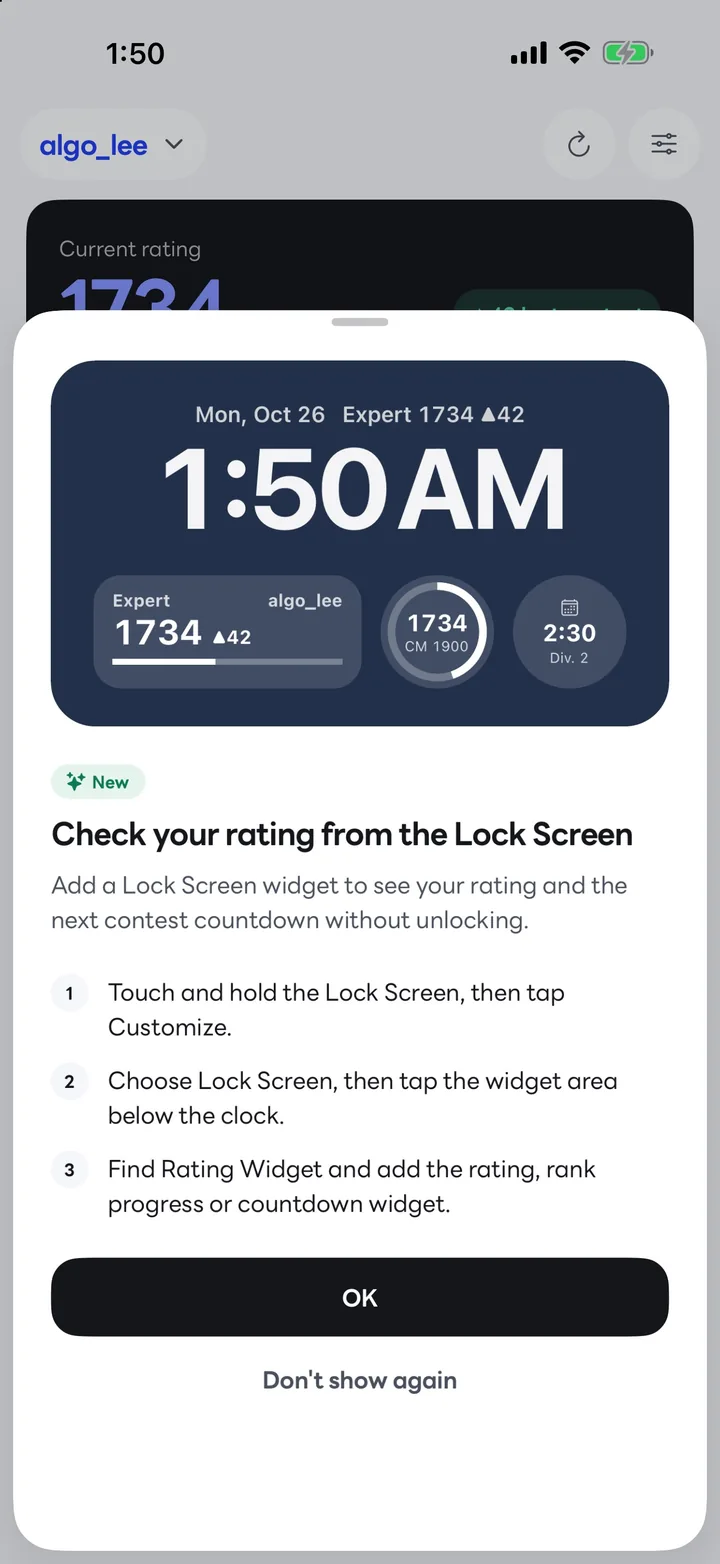
Enter your handle and your rating, the points left to your next rank, the next contest countdown and your friends’ ranking show up in Home Screen and Lock Screen widgets. No sign-in, no account linking.
The Android version is getting ready for Google Play.
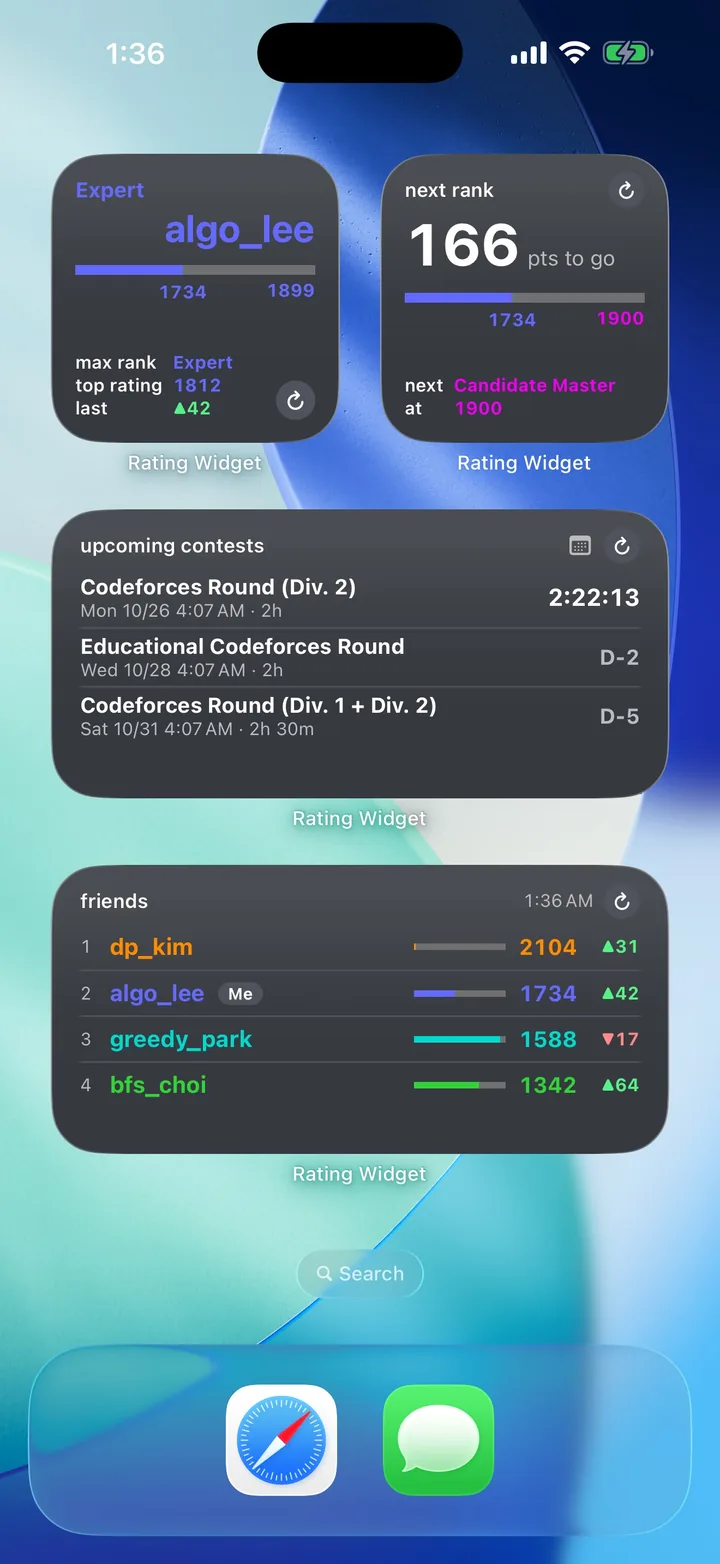
Dashboard
Your current rating, the change from your last contest and your progress to the next rank, on one screen. The rating chart sits on the familiar Codeforces rank color bands.
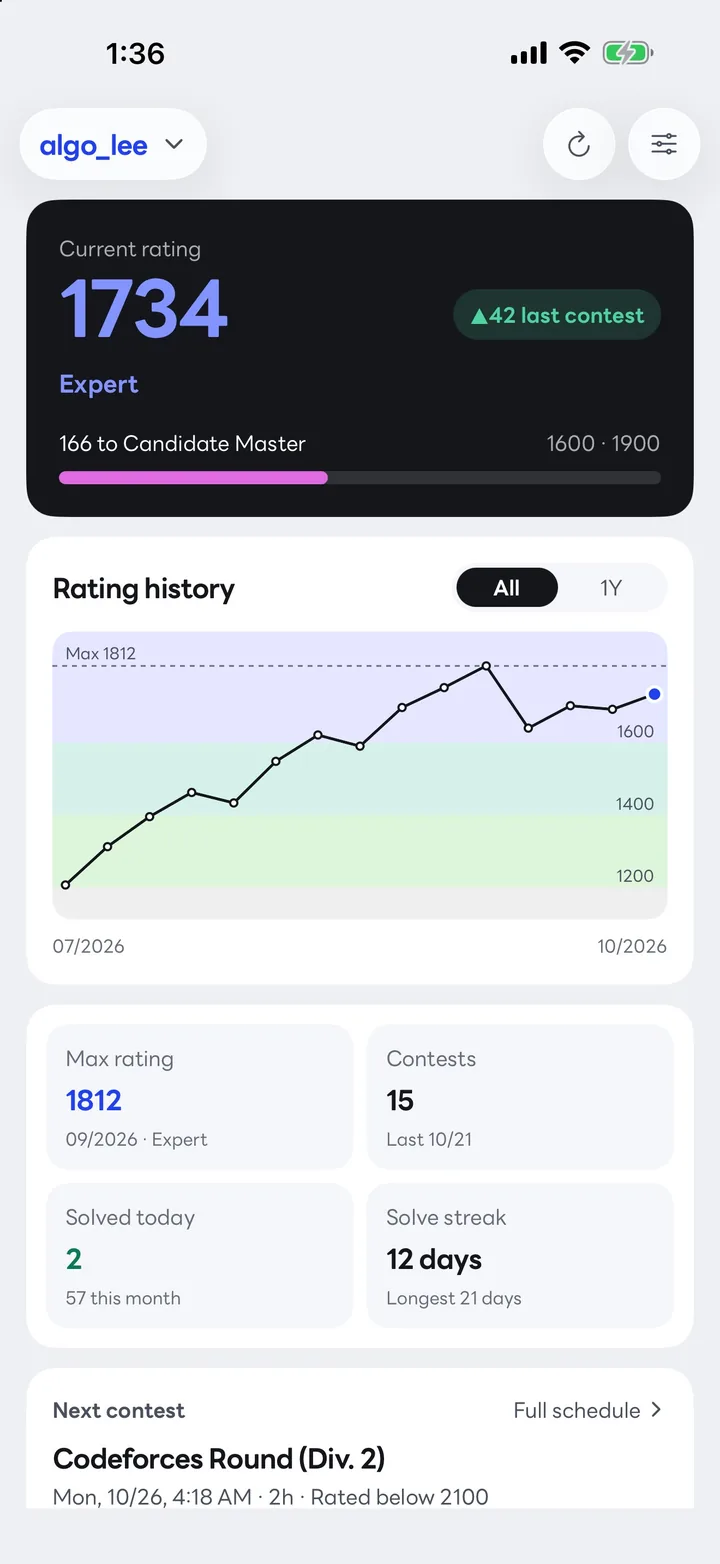
Widgets
Home Screen and Lock Screen widgets refresh on their own and check more often right after a contest. Need it now? Tap the refresh button on the widget.
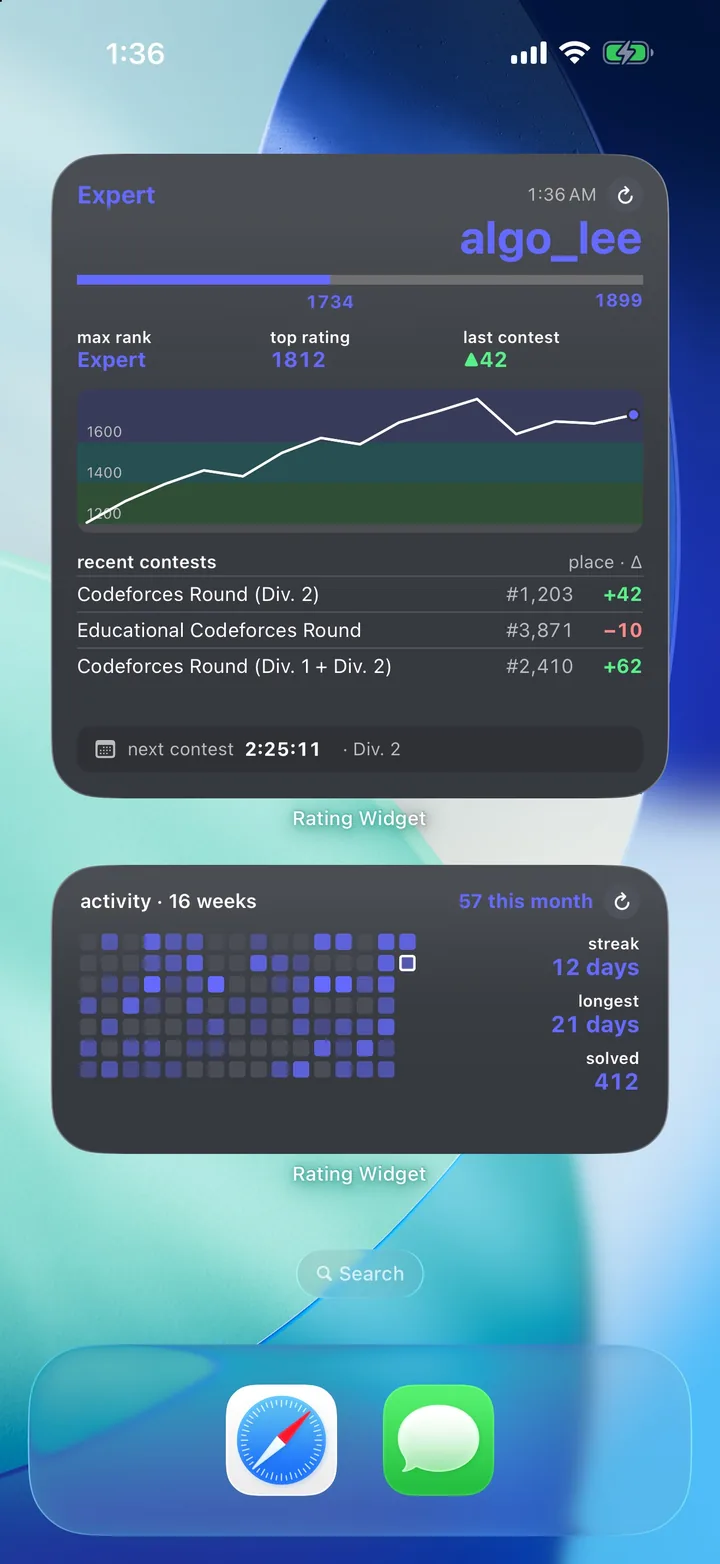
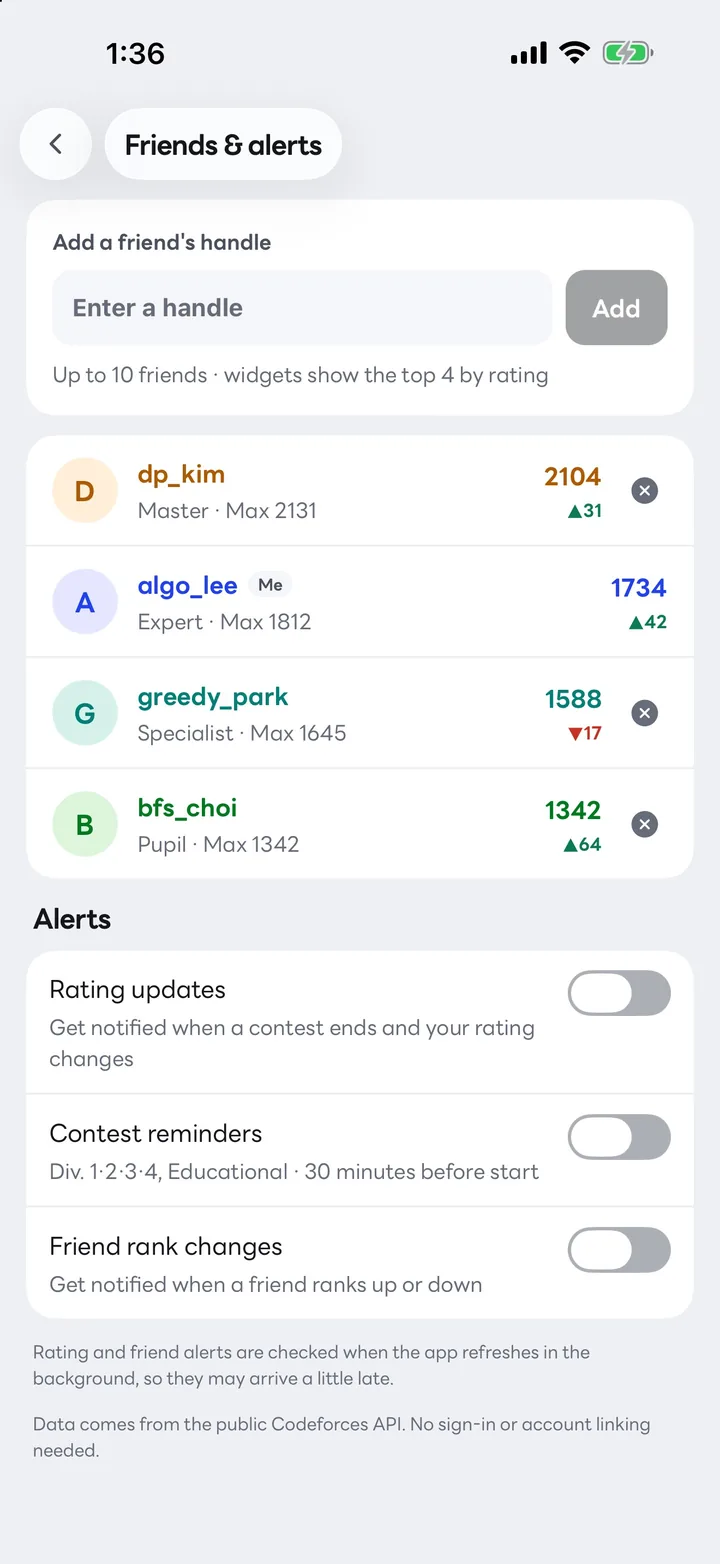
Friends & alerts
Add the handles of the people you practice with. Rating Widget ranks you together by rating and tells you when someone changes rank.
Privacy
Rating Widget has no sign-in. The app and its widgets fetch data directly from the public Codeforces API and show it only on your device.
Details
From Newbie to Legendary Grandmaster, including the LGM first-letter color.
English, 한국어, 日本語, 中文 (简体 · 繁體), Español, Português, Français, Deutsch, Русский, Türkçe, Bahasa Indonesia, Tiếng Việt and ไทย.
The app follows the system or your choice. Widgets use dark badge cards.
Explore every screen and widget with sample data before you enter your handle.
Start times and countdowns use your device’s time zone.
Free to use, and a one-time purchase removes every ad.
FAQ
No. Rating Widget for Codeforces is an independent, unofficial app made by an individual developer. It is not affiliated with or endorsed by Codeforces, and it only shows information that anyone can see through the public Codeforces API.
No. Just enter your Codeforces handle. The app never asks for a password or account access, and you can change or clear the handle in Settings at any time.
Codeforces usually takes a few hours to finalize results and update ratings. Once it does, the app and widgets follow, and right after a contest the widgets check every 30 minutes. You can also pull to refresh in the app or tap the refresh button on a widget.
About every 3 hours, every 30 minutes after a contest, and 15 minutes after a failed attempt. The actual interval depends on iOS and Android battery policies.
It’s free. The dashboard shows ads, and a one-time in-app purchase removes them all.
The Android version supports rating, contest and friends Home Screen widgets and is getting ready for Google Play.
Questions or feedback? Write to me@leed.at.
The Android version is getting ready for Google Play.